Search for Places
Turbomaps has a full text search for points of interest around the world.
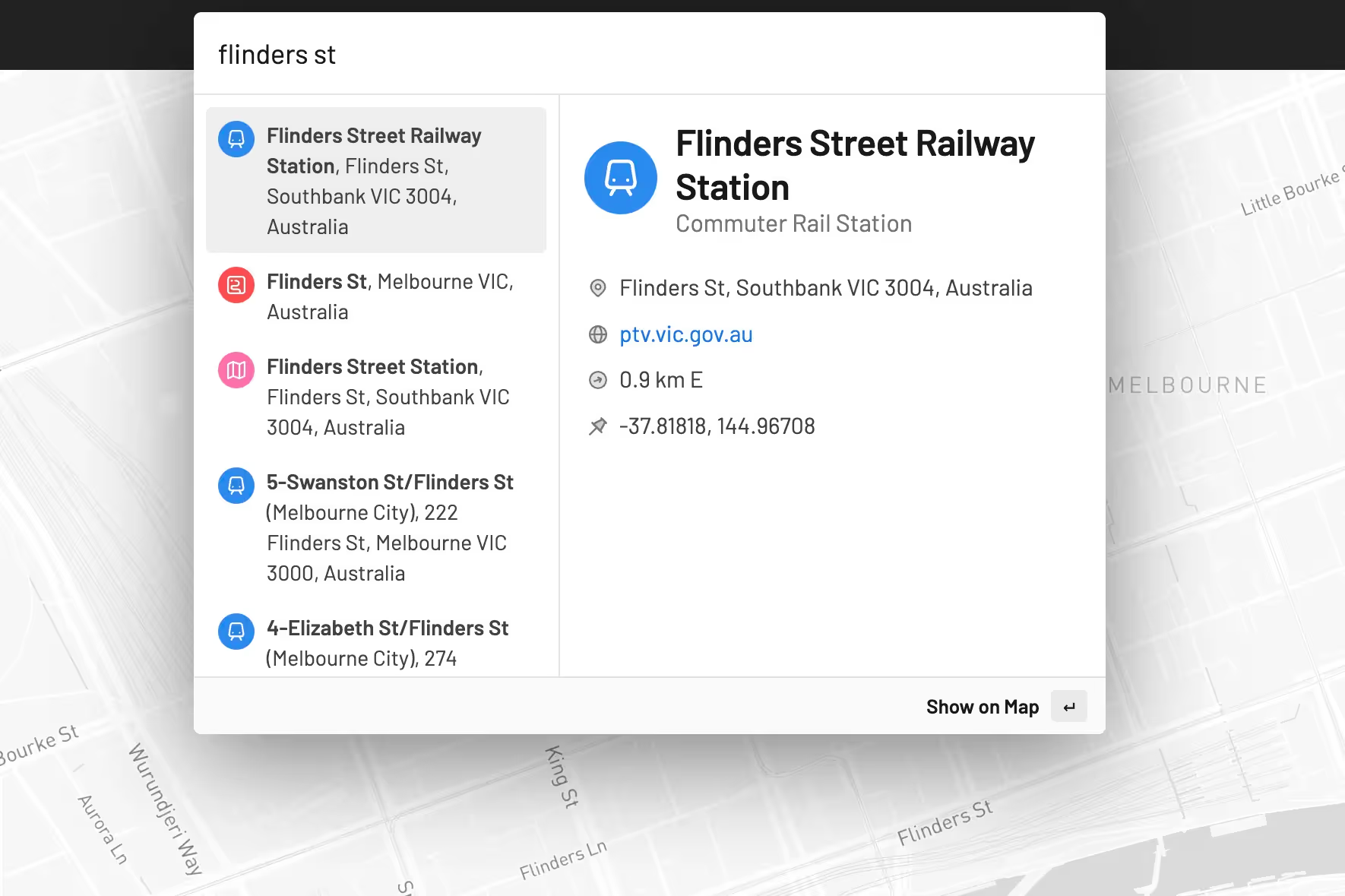
Using Place Search
- From the map editor, select the search box at the top of the window.
- This will search through app commands by default. Choose Search places either before or after writing your query.
- The top results will be displayed. You can further refine your search, or select your result to display it on the map.
- Choose Save to a new layer to add it your map permanently.
Finding Places
Here are a few tips to get the most of Turbomaps search:
- Search results are biased around your current view in the map editor.
- For example, searching “Olympic Park” will show parks near your view, while “Sydney Olympic Park” will return the park in Sydney, Australia.
- You can use the Zoom to Fit or Zoom to Current Location commands to quickly change your viewport.
- Adding the type of place to your query can significantly improve results.
- For example, a search for “Changi” is unlikely to return any useful results, but a search for “Changi Airport” will always return the airport in Singapore.
- Street address search is also supported. Enter the local street name and it will displayed on the map.
Current Limitations
Search results are currently limited to a single point. Searching for a country, district, or city will return a point, not the boundaries.
All search results in Turbomaps are currently in English, even if your query is not in English. If a place has a name in more than one language, the English name is prioritized. If a place does not use the Latin alphabet, this will be converted so it is readable by everyone.
This automatic conversion occasionally has issues. Chinese characters may be incorrectly translated as Mandarin instead of Cantonese in places such as Hong Kong.