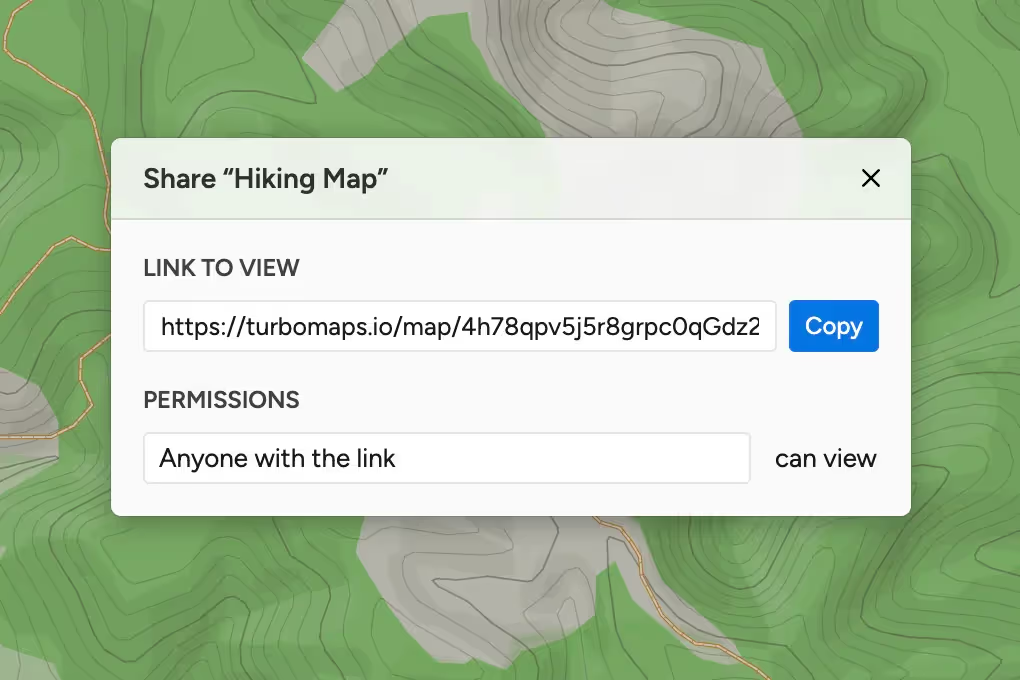
Create & share beautiful maps
Draw, design, and share. Turbomaps makes it easy to create a stunning map in minutes.
Free, while in beta
Draw
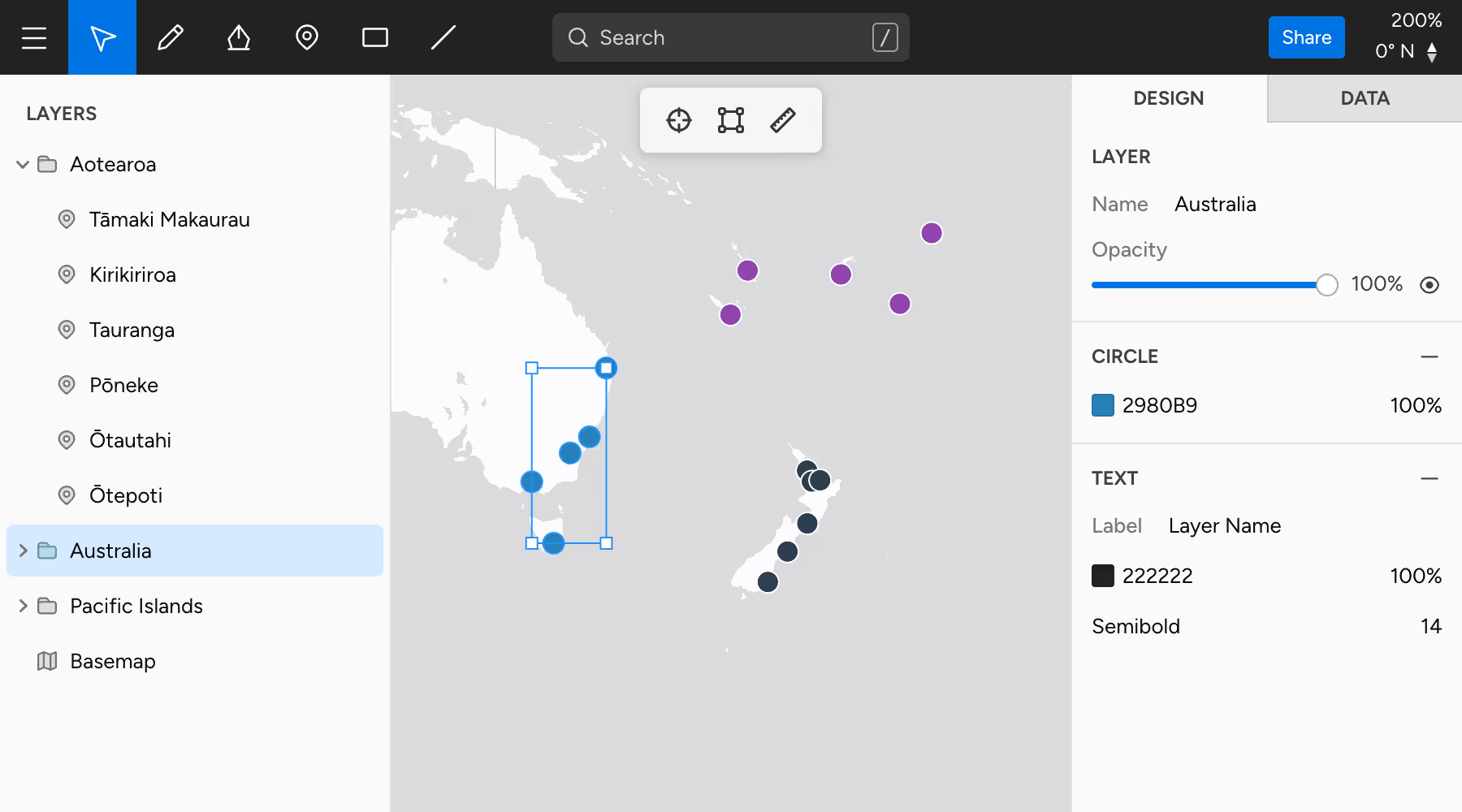
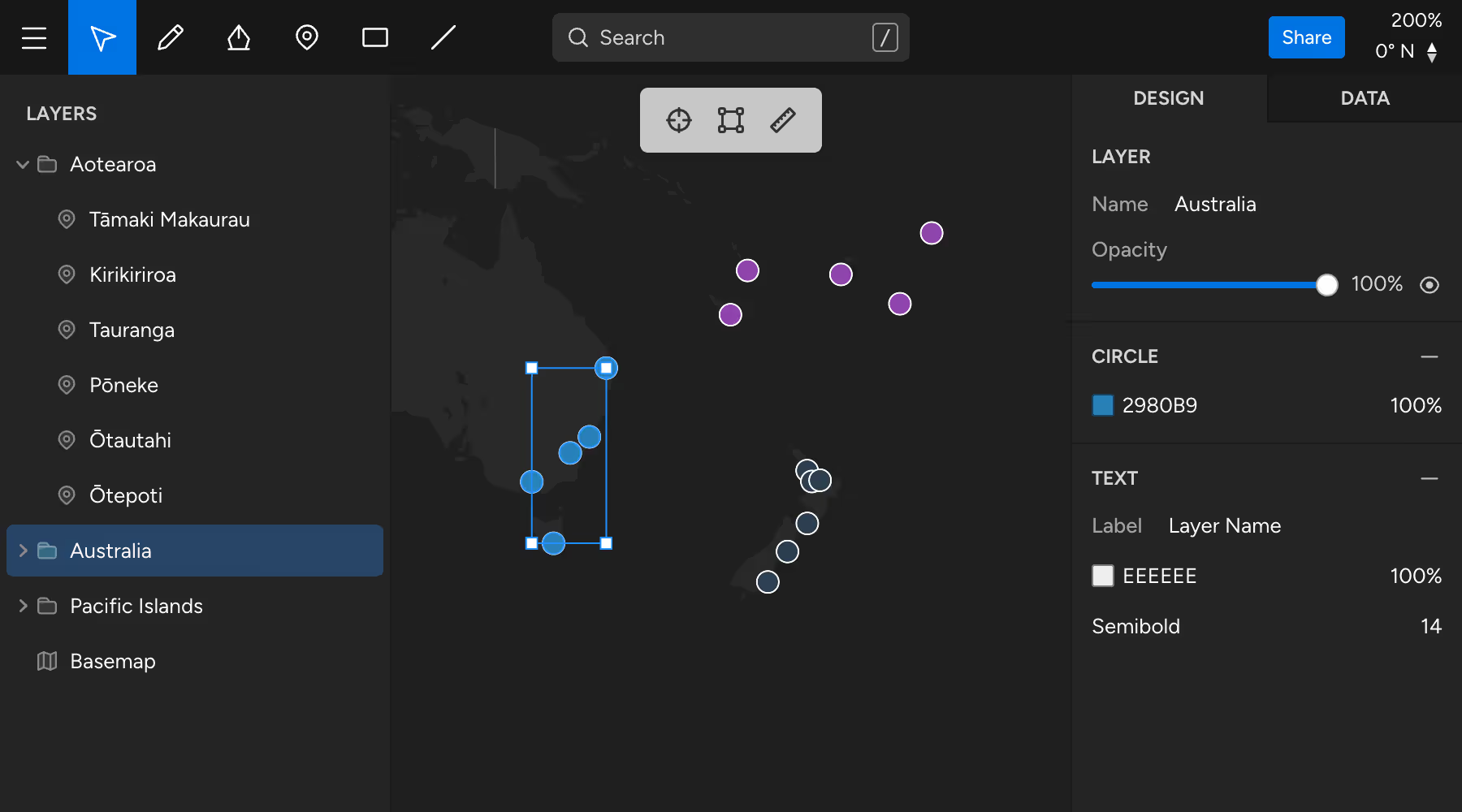
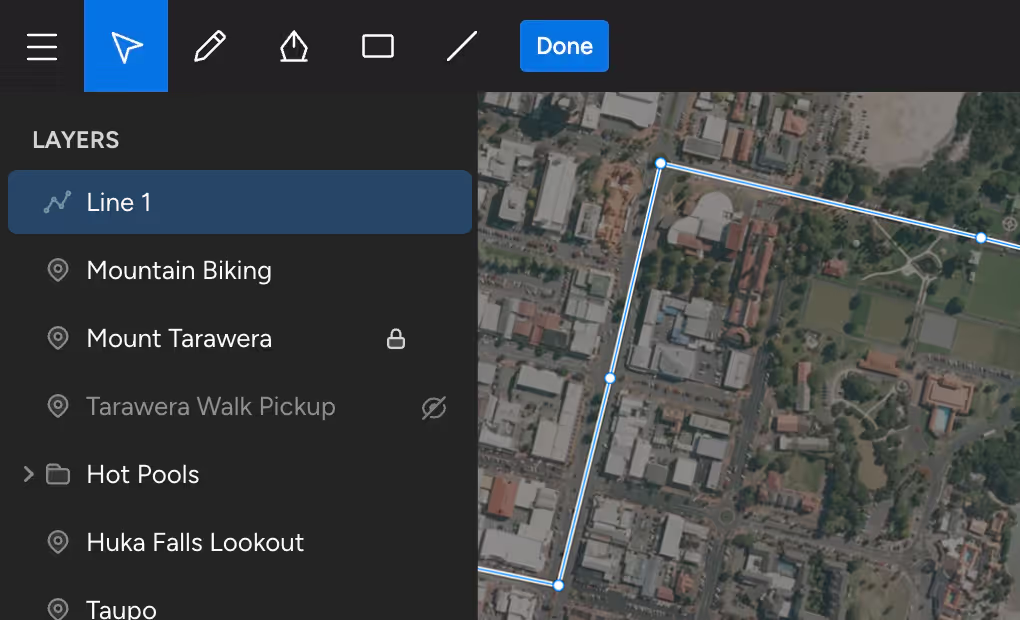
Draw without worrying about geometry. Turbomaps makes it easy to annotate maps & provides powerful editing tools.
Intuitive controls
Drawing is as easy as using an image editor. Move, scale, and rotate entire layers or edit individual points.
Powerful editing
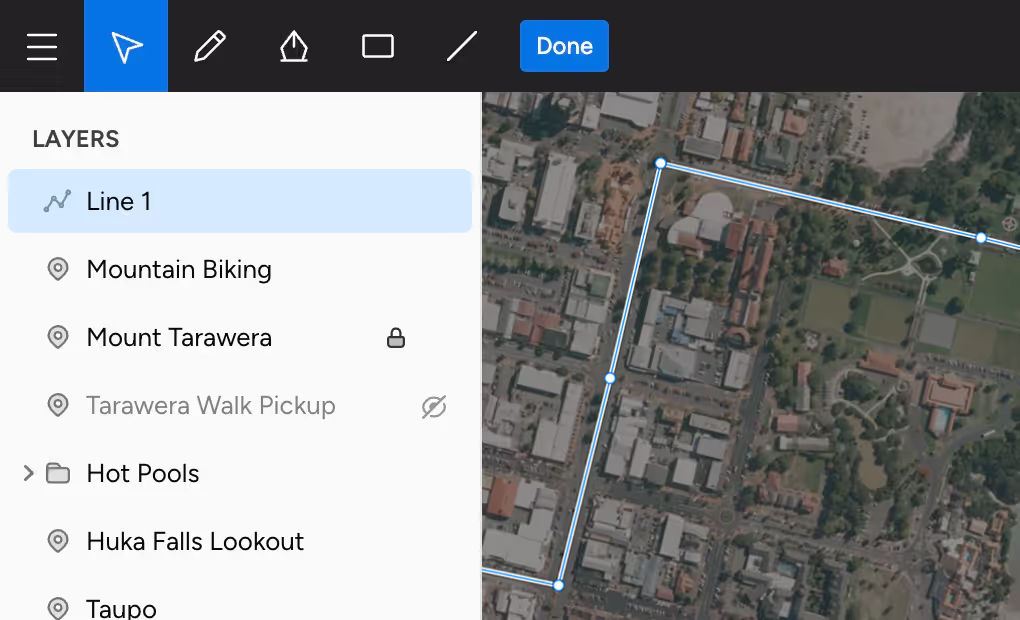
Select multiple layers and drag & drop to quickly edit in bulk. Easily fix mistakes with instant undo/redo.
Import your data
Drop or paste in your existing GeoJSON data. Use the powerful editing tools, or work directly in the data editor.
Design
Our design tools make it easy to unleash your creativity and to effortlessly create interactive maps.
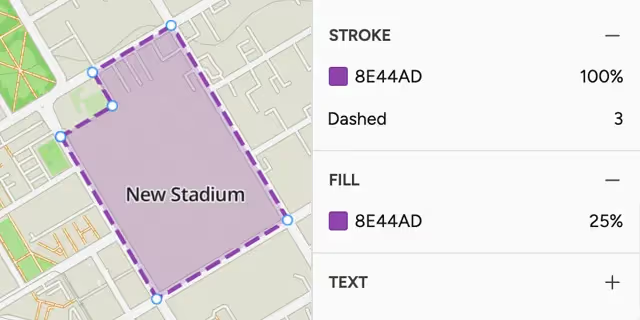
Effortlessly beautiful
Maps look great out of the box. Colors, weights, and strokes can be customized to make your items stand out.
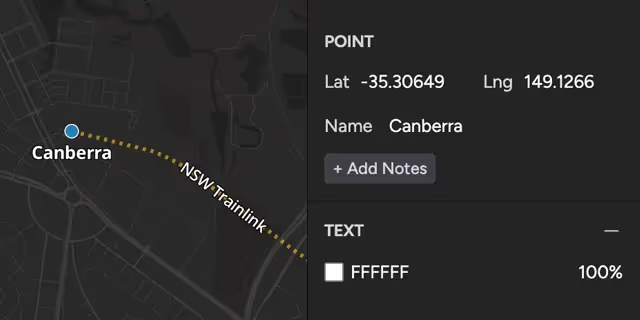
Interactive maps
Add text onto your map, or make your maps interactive with customizable popups for your content.
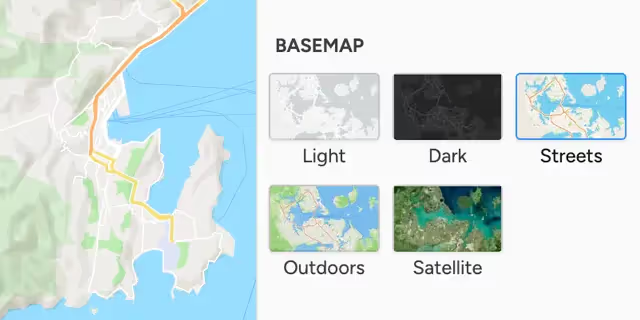
Basemap options
Choose from a variety of beautiful basemaps. Satellite & outdoor maps are a single click away.
Share
Share your creations and keep them in sync. Our interactive maps work great on all phones, tablets, and other devices.
- Share a link
Get a shareable link to your map with just one click. Any changes you make will be reflected for others. - Export your data
You own your data, and it can easily be exported as GeoJSON for use in other applications. - Pick up where you left off
Turbomaps runs in your browser so you can work from any computer. Your data is securely stored in the cloud.